Marketing
Actual Twitter Post
As of 2025-11-06, this is how the actual X (Formerly Twitter) post looks like when shared:

Previously it looked like this (so tools that generate previews may still show this old version):
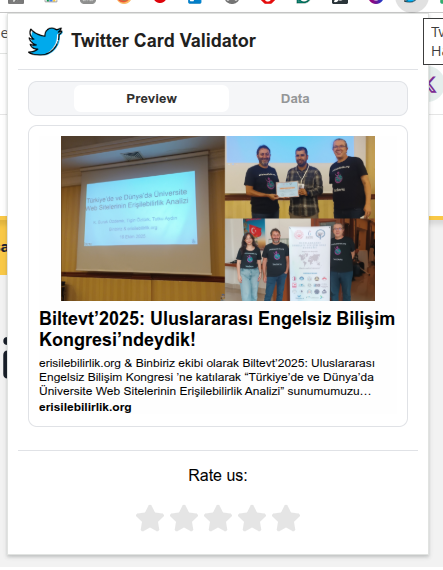
How to Preview X (Formerly Twitter), Facebook and LinkedIn Cards for Your Marketing Pages
- Use https://www.opengraph.xyz
- Don't forget to get rid of cache when re-testing
See this video (*):
Marketing - Preview X (Twitter), Facebook and LinkedIn Cards.mp4
* This video requires access permissions to Binbiriz Google Drive
Official Facebook Debugger (This tool requires a Facebook account to log in): https://developers.facebook.com/tools/debug/
Chrome Extensions
Reference: Gemini Chat
- Twitter Card Validator
- Social Share Preview and Debugger
- MetaPreview — SNS Share Preview Checker
- Social Share Preview
- Open Graph Checker
- Meta Tag Inspector
- SEO META in 1 CLICK
- META SEO inspector
Checking Metatags
See this video (*):
Metatag control from sitemap.xml.mp4
* This video requires access permissions to Binbiriz Google Drive
Gmail Filters
# Contain a specific label
# Exclude another label
# Is inbox
# Is not starred
# Include only emails not sent to a specific email address in to and cc
label:binbiriz-groups-marketing -label:spam-control is:inbox -is:starred -{to:[email protected] cc:[email protected]}